Android
Google Play
Open the official Google Play listing in India. The package is com.garena.game.ffi, and Google Play rates the app 12+ for moderate violence.
Open Google PlayFree Fire India install guide
Free Fire India is available as a free standalone app for players in India. Use the store owned by your device platform, check the package or bundle identifier before installing, and leave enough free storage for the download and its first update.
Both stores point to the same India edition and the same package identifier. The difference is the storefront and the device requirement, not the game edition.
For a safe install decision, match three things before you tap the button: the India storefront, the Garena publisher and the com.garena.game.ffi identifier. The version and size can change with later releases, so treat the listing you open as the current check and keep space for the first update.
Android
Open the official Google Play listing in India. The package is com.garena.game.ffi, and Google Play rates the app 12+ for moderate violence.
Open Google PlayiPhone and iPad
Open the official India App Store listing. Version 1.134.1 requires iOS 13.0 or later and the download is about 1.4 GB.
Open App StoreSearch by the exact title Free Fire India, or use the platform links above. Check that the publisher is Garena and that the package or bundle identifier is com.garena.game.ffi. A third-party APK page may show an older file, a different region, or a modified installer, so it cannot confirm that you are installing the India app.
On iPhone or iPad, the store requirement is iOS 13.0 or later. Plan for a 1,501,677,568-byte download, which is about 1.4 GB before you make room for updates and temporary installation files. Google Play uses the same India package and a 12+ rating; use its device compatibility result as the Android check.
Stay on a reliable connection while the store downloads the app and while the first launch prepares its files. If the listing opens but the install button is unavailable, check the device account region, free storage, operating-system version and pending system updates before trying another source.
These are the fields a player needs to identify the correct app and estimate the install step. The version and size below belong to the launch App Store build.
The India edition is distributed through the India store listings. If search returns a global Free Fire or Free Fire MAX result, use the package or bundle ID and the India links above to return to the correct record.
The listed iOS download is about 1.4 GB, and the device also needs room for temporary files and future patches. Clear space and finish a pending operating-system update before retrying.
On Apple hardware, confirm iOS 13.0 or later. On Android, open the Google Play compatibility panel for the device rather than relying on an APK mirror's version label.
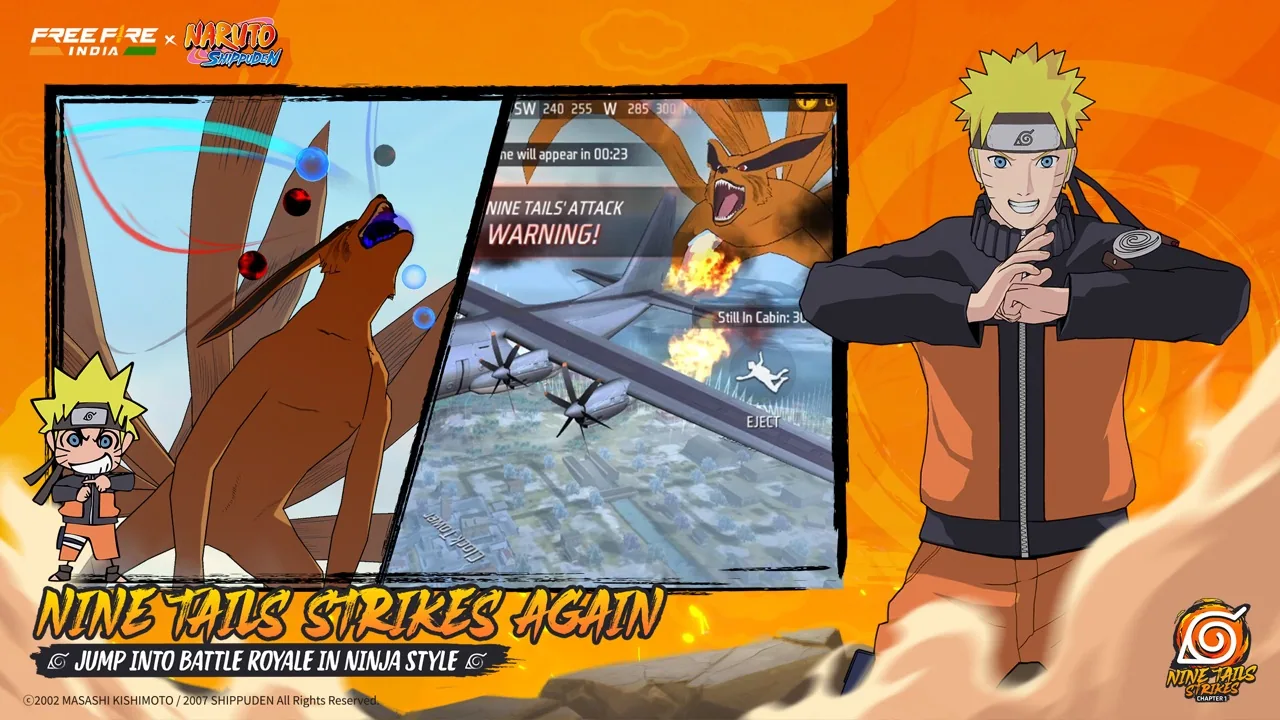
The store screenshots show the same battle-royale loop described by the listing: a short match, a remote island, character skills, squad play and a shrinking safe zone. They are useful for confirming that a result belongs to Free Fire India, but they are not a substitute for the platform requirements above.
View the listing